Add Search, Filters, and Sorting to Product Listings

Add Search, Filters, and Sorting to Product Listings

Ever entered an online store and instantly wanted to leave? It happens a lot. A visitor clicks on a WooCommerce website hoping to buy something simple. Maybe sneakers. Maybe headphones. But instead of finding products quickly, they face endless scrolling, confusing categories, and random product pages everywhere. No filters. Weak search bar. Nothing feels organized.

Most people don’t stay long in situations like that. They leave. Quietly. That’s exactly why search, filters, and sorting options have become such a huge part of modern eCommerce websites. Customers expect convenience now. They don’t want to “hunt” for products anymore. They expect stores to guide them smoothly from product discovery to checkout. And honestly, they should.

Store owners often underestimate how much navigation affects buying decisions. But the truth is simple. Better browsing experiences usually lead to better sales.

In this article, we’ll explore how adding search, filters, and sorting to product listings can improve WooCommerce stores, increase customer satisfaction, and create a shopping experience people actually enjoy using.
The Best Measurement-Based Pricing Plugins for WooCommerce Variable Products

What if customers could tell you exactly what size they need?

Imagine this: a customer needs flooring. They know the room’s dimensions. But you don’t want to list every square-foot variation. Or fabric by the meter. Same problem.

Either you make dozens of variations, or you find a better way. What if the product could cost itself, based on what the buyer enters? No guesswork. No overcharging. Clean. Simple.

That’s the magic of measurement-based pricing plugins. They let WooCommerce do the heavy lifting, especially for variable products. Let’s walk through 5 of the best tools out there. Tools that let you sell by length, area, volume, weight—whatever fits your stuff.

5 Best Measurement-Based Pricing Plugins for WooCommerce Variable Products

Enhancing E-Commerce Communications: The Role of WooCommerce Email Customizer

WooCommerce Email Customizer

WooCommerce Email Customizer is a game changer for store owners struggling with generic, uninspiring emails that fail to engage customers. Default WooCommerce email templates often lack personalization, branding, and persuasive design, leading to low open rates, poor engagement, and missed sales opportunities.

Imagine sending beautifully crafted, customized WooCommerce emails that not only reflect your brand but also drive conversions. With the right WooCommerce email editor, you can enhance e-commerce communications, strengthen customer relationships, and create a seamless shopping experience.

In this guide, we’ll explore the best WooCommerce email customizer plugins, essential features to look for, and expert tips to optimize your emails for maximum impact. Whether you’re looking to improve WooCommerce transactional emails, boost brand consistency, or increase repeat sales, this blog has you covered.

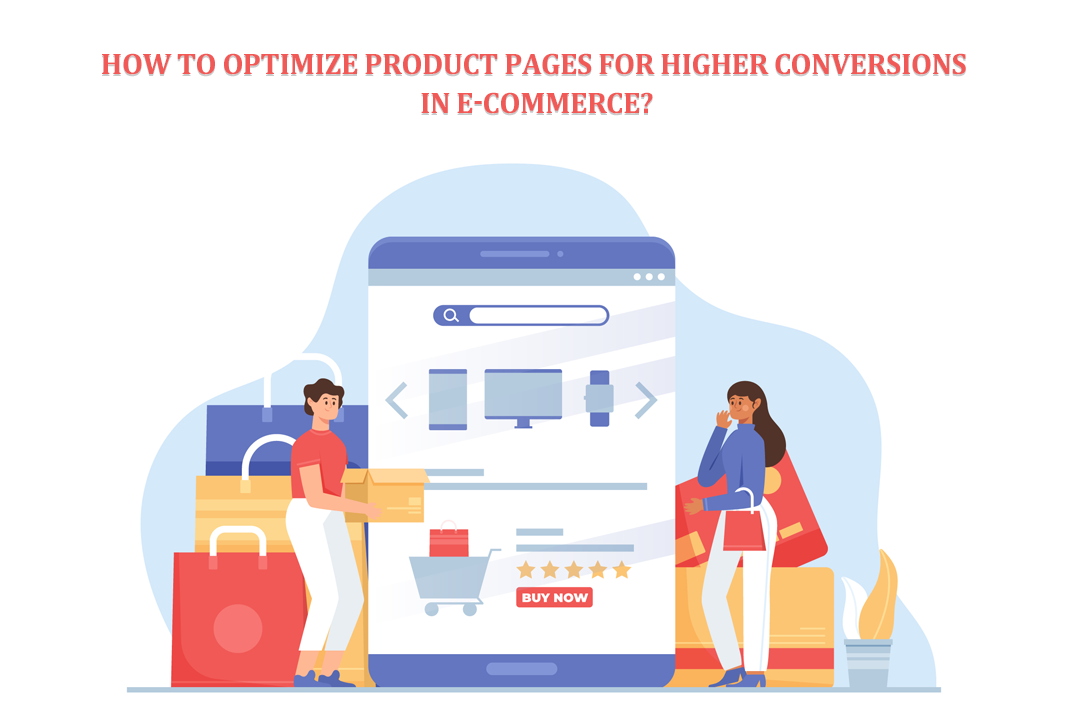
How Do You Optimize Product Pages for Higher Conversions in E-Commerce?

Optimize Product Pages

To build your successful e-commerce stores, you need high conversion rates. For high conversion rates, you must optimize your product pages. Your product pages are the determining factor to boost your sales. It is the product page where customers decide whether they want to make a purchase or not. Your product pages should be simple, eye-grabbing, and enjoyable. This article will discuss how you can increase your conversion rates. 

The Ultimate Guide to Setting Up WooCommerce for E-Commerce Success

The Ultimate Guide to Setting Up WooCommerce for E-Commerce Success

Introduction

Online shopping has become important nowadays. For people who run small businesses or have great ideas, having an online store can help a lot, for example, it lets you reach more people and make more money. WooCommerce is a popular tool that helps you set up your online store.

In this guide, we will explain everything step by step – from the very beginning, like picking a website name and a place to put your store, to making your store look how you want, setting up how people can pay you, sending things to customers, making the shopping experience better, and keeping track of your business with marketing and analytics.

If you follow this guide, you’ll learn everything you need to know to start and grow your online store using WooCommerce.

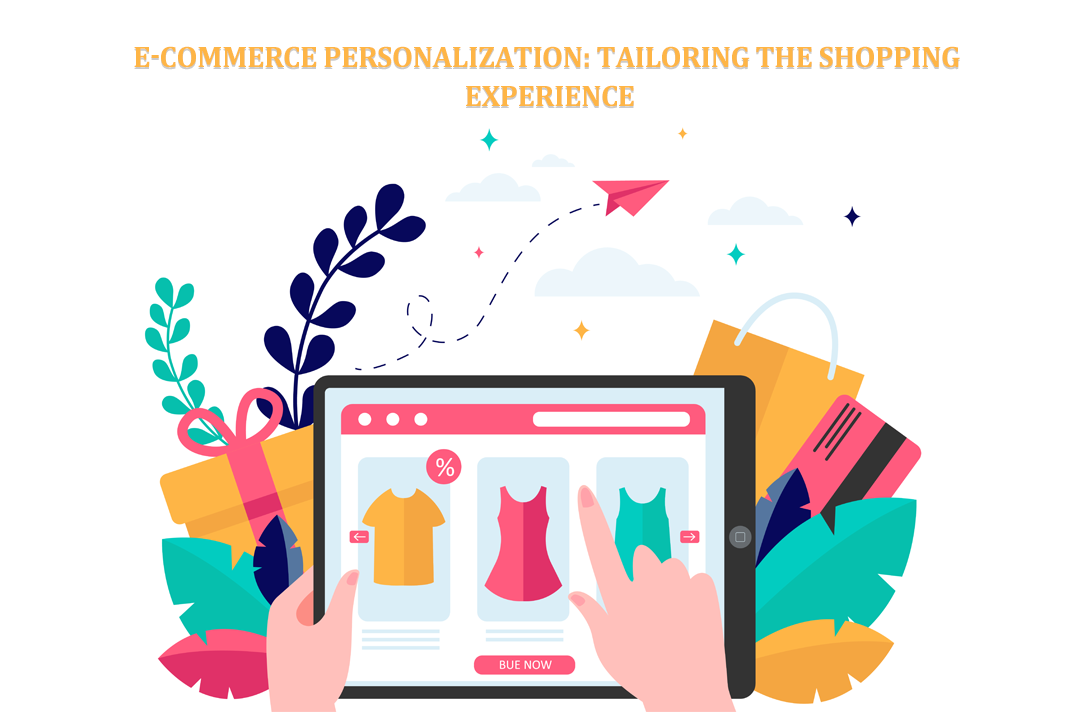
E-commerce Personalization: Tailoring the Shopping Experience

E-commerce Personalization Tailoring the Shopping Experience

Introduction

Forget the days of scrolling endlessly past generic products. Personalization enhances your customer’s online journey; each click is like a treasure map leading them to what they desire. In this article, we’ll begin on the exciting journey of e-commerce personalization.

We’ll discuss the factors behind the rise of personalization, the benefits of giving customers a personalized shopping experience, understanding your customers, personalization strategies for e-commerce, and how to measure the success of e-commerce. Now, let’s begin!

Ensuring Data Security in E-commerce Through Robust Web Templates

A professional e-commerce website is essential to attract new customers and establish credibility. It is also imperative that your website has security features in place to protect you and your clients’ information. However developing one from the ground up could be challenging and time-consuming, especially if you don’t know how to code or have any design experience. 

How to Prepare Your E-Commerce Business for the Holiday Season

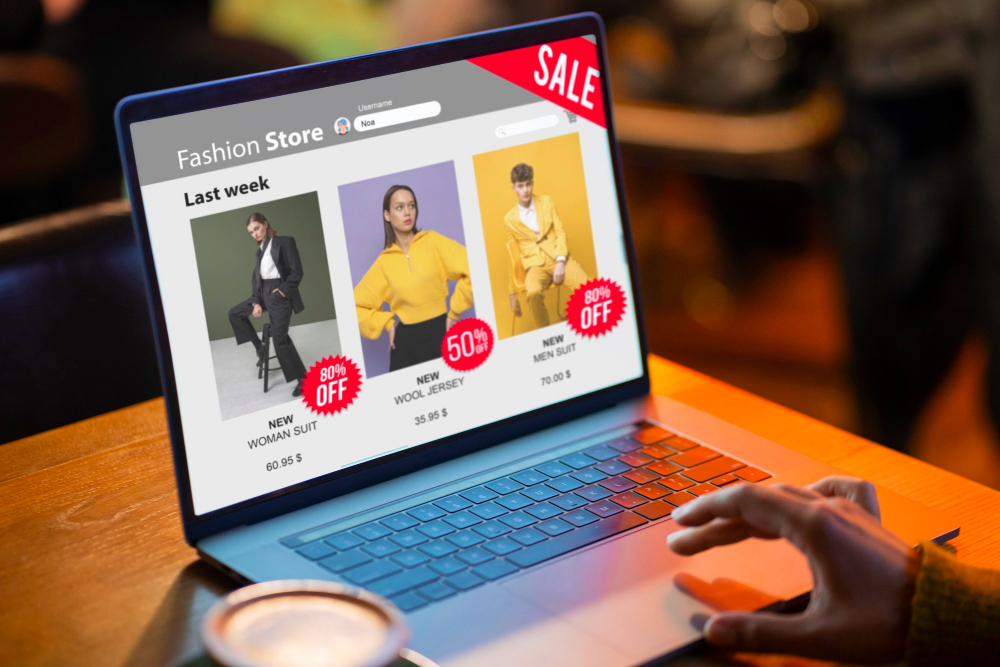
Many individuals begin decorating their homes for the holidays months in advance. Others get ready by baking, organizing activities, or organizing their Christmas card collection. A separate set of responsibilities is involved in the pre-holiday preparation for owners or managers of eCommerce sites. Learn more about holiday preparation for your eCommerce site below.

ecommerce site